
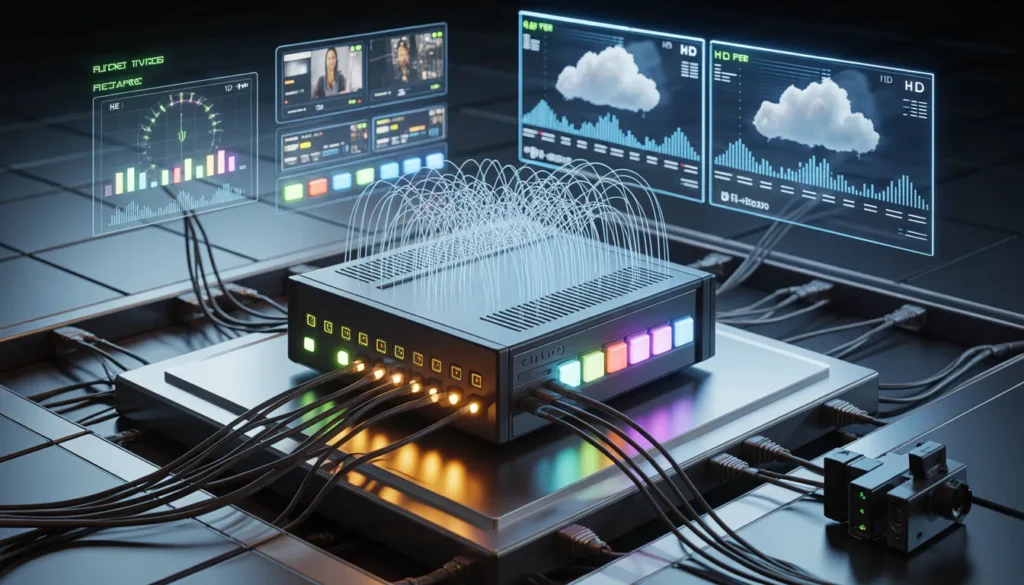
An iptv encoder box transforms video signals into streamable content, making it essential hardware for anyone serious about delivering professional-quality broadcasts. Whether you need a 4k iptv encoder box for ultra-high-definition streaming or a multi channel iptv encoder box for simultaneous broadcasts, selecting the right equipment determines your streaming success.
We’ve created this comprehensive guide to help you understand IPTV encoding technology and choose the best hardware for your needs. You’ll discover how hdmi iptv encoder box options work, why h 265 iptv encoder box technology matters for bandwidth efficiency, and which hevc iptv encoder box models deliver optimal performance in 2026.
What is an IPTV Encoder Box and How Does It Work
Understanding IPTV Encoding Technology
An iptv encoder box serves as the bridge between traditional video sources and IP-based streaming networks. These devices accept video and audio inputs from sources like HDMI cameras, SDI broadcast equipment, set-top boxes, or gaming consoles, then compress those signals using video codecs such as H.264/AVC or H.265/HEVC. The compressed stream gets wrapped into network-friendly formats like UDP, RTP, RTSP, HLS, or SRT before being sent out as IP packets over Ethernet, Wi-Fi, or cellular connections.
When you watch a football match at a sports bar or browse hotel channels at a resort, an IPTV encoder box is working continuously in the background, converting video signals into streamable content. The encoding process follows a structured pipeline. First, the device receives video through digital interfaces or analog inputs. Front-end integrated circuits then digitize this content into YCbCr frames. Next comes the preprocessing stage where the encoder performs color space conversions, scales resolution from 4K down to 1080p or 720p as needed, deinterlaces legacy broadcast sources, and applies overlays like station logos.
The compression stage handles the heavy computational work. Video codec engines compress each frame, with dedicated hardware typically using a video codec SoC with ARM cores plus specialized H.264/H.265 engines, or FPGA solutions with licensed codec IP. After compression, the frames get segmented into transport stream packets of 188 bytes, complete with embedded headers, PIDs, and timestamps. Audio encoding runs in parallel, supporting formats like AAC-LC, HE-AAC, or AC-3 where licensing permits.
Key Components of an Encoder Box
In reality, an iptv encoder box contains a complete ecosystem of specialized components. The processing heart consists of either a system-on-chip with built-in H.264/H.265 encoding capabilities, an FPGA with external DDR3/DDR4 memory, or a dedicated encoder ASIC paired with a microcontroller. These chips integrate ARM Cortex cores, GPU units, and video processing units with on-chip memory controllers.
Coupled with the main processor, you’ll find high-speed ADCs, HDMI receiver chips with equalizer functionality, and SDI deserializers that handle multi-rate support for SD-SDI, HD-SDI, and 3G-SDI signals. The encoder board includes DDR memory for frame buffers and NAND, eMMC, or SPI flash storage for firmware and operating systems. Network connectivity comes through Ethernet PHY chips supporting 10/100 or Gigabit speeds, with optional PoE controllers. Some models incorporate Wi-Fi modules, USB PHYs, and serial ports like UART or RS-485 for integration with control systems.
Power management systems include DC-DC step-down converters, LDOs for low-noise power rails, and protection devices. Web-based management interfaces allow remote configuration and monitoring.
Difference Between Encoder Box and Streaming Device
A hardware encoder box operates on the broadcasting side of IPTV systems, not the viewer side. While streaming devices or set-top boxes decode incoming IP streams for display on televisions, encoder boxes perform the opposite function. They convert raw video sources into compressed IP streams for network distribution.
The decoder’s role focuses on receiving encoded content and translating it back into formats your television can display through HDMI or VGA outputs. IPTV decoders also provide content protection against unauthorized viewing. An hdmi iptv encoder box, conversely, takes HDMI input and creates the IP stream that gets distributed across your network infrastructure. Professional h 265 iptv encoder box models are designed for continuous 24/7 operation with lower power consumption and predictable latency compared to software encoding solutions running on general-purpose computers.
Essential Features to Look for in IPTV Encoder Boxes
Selecting the right iptv encoder box requires understanding which technical specifications directly impact your streaming quality and operational efficiency. The features you prioritize depend on your specific use case, whether you’re broadcasting live sports, managing hotel entertainment systems, or operating a professional streaming service.
4K and HD Video Quality Support
Resolution capability stands as a primary consideration when evaluating any 4k iptv encoder box. Professional units support multiple resolution tiers including 720p30/720p60, 1080p30/1080p60, and 4K options at 30 or 60 frames per second. Modern encoders handle 4K/UHD (3840x2160p) video streams while simultaneously recording, encoding, streaming, and decoding content. Resolution and frame rate directly impact your required codec processing power, memory bandwidth, and network bitrate requirements. For instance, a single 1080p60 H.264 channel typically requires 6-8 Mbps for good HD quality, while 4K HEVC streams hover around 15-25 Mbps.
H.265 HEVC Compression Technology
High Efficiency Video Coding delivers substantial advantages over older compression standards. HEVC offers 25% to 50% better data compression at the same level of video quality compared to H.264. In practical terms, this means H.265 allows video encoding at half the bitrate of H.264 while maintaining identical visual quality. Studies show HEVC achieves an average bitrate reduction of 52% for 480p content, 56% for 720p, 62% for 1080p, and 64% for 4K UHD. A quality h 265 iptv encoder box uses this high efficiency coding scheme to deliver H.264 video quality via 4K content at half the bit rate. This efficiency proves especially valuable when bandwidth and storage capacity are limited.
Multi-Channel Encoding Capability
The demand for diverse content sources has driven the rise of multi channel iptv encoder box systems supporting 1-24 HDMI or SDI sources. Professional encoders facilitate simultaneous streaming of multiple channels, providing scalability for content providers. Advanced units support up to three NDI signals, enhancing network-based video streaming capabilities. Multi-channel configurations allow operators to manage several broadcasts from a single hardware unit, reducing equipment costs and rack space requirements.
HDMI Input and Output Options
Quality hdmi iptv encoder box models provide flexible connectivity through HDMI and SDI inputs, with many supporting HD-SDI, 3G-SDI, and composite video sources. HDMI pass-through functionality enables zero-latency confidence monitoring or content projection on in-room displays without interrupting the encoding process. Some encoders include HDMI loop-out ports for local display monitoring while simultaneously streaming to network destinations.
Network Connectivity and Streaming Protocols
Compatibility with major streaming protocols ensures your hevc iptv encoder box works across different platforms and delivery networks. Professional encoders support RTMP, RTSP, and HLS protocols as standard features. Advanced models handle up to eight simultaneous streams including three RTMP/RTMPS streams, one RTSP, one HLS, two RTP/UDP Unicast, and one RTP/UDP Multicast. SRT protocol support provides ultra-low end-to-end latency with speeds 2-3 times faster than RTMP.
Built-in Storage and Recording Features
Recording capabilities provide backup security and post-production flexibility. Professional units offer SD card slots for front-panel loading, USB media recording, and internal storage options. Some encoders support up to 17GB of internal recording capacity with automatic file management that deletes old files when storage fills. Recorded files can automatically upload to FTP servers for creating backup copies or web repurposing.
Top 7 Best IPTV Encoder Boxes in 2026
Best Overall 4K IPTV Encoder Box
The Haivision Makito X4 Video Encoder stands as the premier choice for broadcast and enterprise applications. This 4k iptv encoder box encodes pristine 4K UHD video at ultra-low latency with native SRT protocol support. Supporting resolutions up to 4K UHD or up to four simultaneous HD sources, the Makito X4 features both HEVC and H.264 codecs with 8 under-the-hood video encoding cores. It provides up to four 3G-SDI inputs or support for ST 2110 with NMOS integration. The ultra-portable design suits field deployment, and when used with Haivision’s MB21 Chassis, it delivers up to 84 HD or 21 UHD channels in a single 4RU rack module. Pricing ranges from USD 5000.00 to USD 7000.00.
Best Multi-Channel IPTV Encoder Box
The Cobalt Pacific 9992-4ENC-4K-HEVC delivers exceptional channel density for broadcasters. This multi channel iptv encoder box supports up to four independent 1080p60 input signals or a single UHD 4Kp60 input signal. One openGear frame can support up to 10 cards for a total of 40 HD or 10 UHD 4K channels. Maximum bit rates reach 150 Mb/s for UHD encoding and 40 Mb/s for HD encoding.
Best Budget-Friendly HDMI Encoder
The TBS2801 Professional HDMI Video Encoder offers professional features at an accessible price point. This h 265 iptv encoder box supports up to 4K@60Hz HDMI input and streams to YouTube Live, Facebook Live, Twitch, or custom RTMP servers. It handles HTTP/HLS(M3U8)/RTSP/RTP/UDP/Unicast & Multicast/SRT/RTMP/RTMPS protocols with up to 6 protocols simultaneously. Power consumption stays under 12w.
Best Professional H.265 Encoder Box
The Haivision Makito X HEVC encoder transports secure, high-quality live HEVC/H.265 and AVC/H.264 video over any IP network at extremely low bit rates. Notably, it serves broadcasters and defense organizations requiring low latency video over bandwidth-constrained networks.
Best Portable IPTV Encoder
The Teradek VidiU Go excels in mobile streaming scenarios. This portable hdmi iptv encoder box supports high-quality video encoding with cellular bonding for enhanced reliability. Its lightweight design makes it perfect for streaming on the move.
Best Enterprise-Level HEVC Encoder
The NTT MVE7000 provides dual-channel encoding capability, simultaneously encoding two channels in one box (2 in 2 out). It supports H.265/HEVC Profile Main 10 4:2:2 OP4 with maximum output TS rate of 50Mbps.
Best All-in-One Streaming Encoder
The YoloBox Pro combines encoder, switcher, recorder, and monitor functionality in one portable unit. It streams simultaneously to multiple destinations and supports various video sources with built-in chroma key. For viewers exploring IPTV streaming options, platforms like https://kemoiptvstream.com/ pair effectively with these professional encoding solutions.
| Model | Resolution | Price Range |
|---|---|---|
| Haivision Makito X4 | 4K UHD | USD 5000–7000 |
| BoxCast Spark | 1080p60 | USD 999 |
| TBS2801 | 4K@60Hz | Budget tier |
| Teradek VidiU Go | 1080p60 | Mid-range |
How to Set Up and Configure Your IPTV Encoder Box
Proper configuration transforms your iptv encoder box from hardware into a functional streaming system. The setup process requires methodical attention to physical connections, network parameters, and encoding specifications.
Initial Hardware Setup and Connection
Power off all connected devices before making any connections. Connect your video source to the encoder’s HDMI In port using a quality HDMI cable, then attach a display to the HDMI Out port for monitoring. The RJ45 port connects to your router for internet access. If your setup requires RS232 control integration with existing broadcast systems, connect the RS232 port to your computer. Plug the included power adapter into the encoder’s power jack, then connect it to a reliable power source. Power on all devices thereafter.
Network Configuration and IP Settings
Most hdmi iptv encoder box units ship with default IP settings. The typical default IP address is 192.168.1.168 with a subnet mask of 255.255.255.0. Access the encoder by configuring your PC to use an IP address in the range 192.168.1.2 to 192.168.1.254. Static IP addresses ensure encoders remain locatable after power failures or system relocations. For static configuration, assign a unique IP address, network mask, default gateway, and DNS server address. With DHCP enabled, the encoder obtains IP addresses dynamically at boot, though this may change after network events.
Encoding Settings and Bitrate Adjustment
Check your upload speed at speedtest.net, then select a video bitrate 35-40% lower than this measured speed. Audio settings support AAC, AAC+, and AAC++ formats with sampling rates of 44.1/48kHz and default bitrate of 128. Configure protocols like UDP/RTP, HLS, and DASH based on your streaming platform requirements.
Testing Your Stream Quality
Monitor your stream for at least 15 minutes to evaluate stability. Services like https://kemoiptvstream.com/ demonstrate professional IPTV streaming quality when encoders are properly configured.
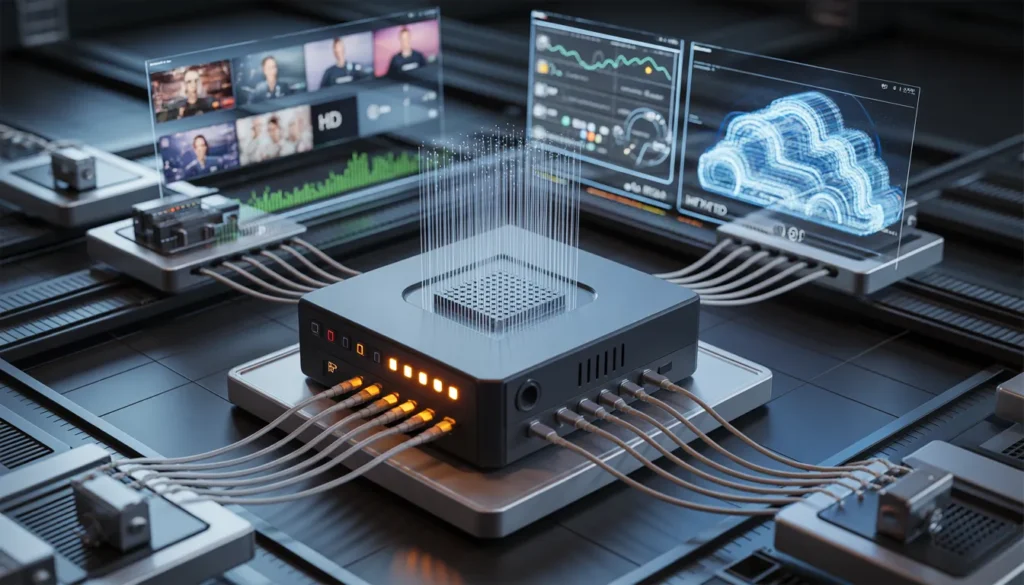
Comparing IPTV Encoder Boxes: What to Consider Before Buying
Budget constraints shape purchasing decisions, yet focusing solely on upfront costs misses the complete picture. Hardware encoders carry higher initial expenses but deliver long-term reliability and lower maintenance costs. Software alternatives appear cheaper initially, though they demand ongoing updates and hardware upgrades. The balance between cost and performance depends on your operation’s scale and complexity.
Price vs Performance Analysis
Free software options like OBS suit non-existent budgets, while professional solutions require proof-of-concept demonstrations for internal approval. Hardware remains the most expensive avenue, notwithstanding hidden costs in software deployments that need powerful computers. Budget-conscious buyers should consider low-cost hardware options.
Encoding Speed and Latency Factors
Glass-to-glass latency varies significantly across use cases. Interactive applications require 200-500ms, typical low-latency streaming needs 1-3 seconds, while traditional HLS accepts 5-20 seconds. Latency stems from encoder pipeline depth, GOP structure, buffering configurations, and network jitter. Particularly for live production and bi-directional interviews, latency must stay well under one second.
Compatibility with Streaming Platforms
Protocol support determines integration success with platforms like https://kemoiptvstream.com/. Your h 265 iptv encoder box must support RTMP, HLS, SRT, and other protocols matching your streaming infrastructure. Codec compatibility with H.264 and H.265 ensures proper functionality.
Support and Warranty Considerations
AI-Media provides 90-day replacement warranties with commercially reasonable repair efforts thereafter. Warranty periods restart when replacement units ship. Annual support plans cap repair costs at USD 1,200.
Conclusion
Choosing the right iptv encoder box directly impacts your streaming quality and operational reliability. We’ve covered the technical fundamentals from H.265 compression benefits to multi-channel capabilities, giving you the knowledge to make an informed hardware decision. The encoder you select today becomes the foundation of your streaming infrastructure for years ahead.
Professional encoding hardware delivers consistent performance that software solutions struggle to match, particularly for 24/7 operations. Services like https://kemoiptvstream.com/ demonstrate the quality viewers expect when encoder boxes are properly configured with optimal bitrates and protocols.
Consequently, invest time researching specifications that match your specific use case. Balance your immediate budget against long-term reliability needs, and you’ll build a streaming system that delivers professional results consistently.
FAQs
Q1. What is the main function of an IPTV encoder box? An IPTV encoder box converts video signals from sources like HDMI cameras, SDI equipment, or gaming consoles into compressed IP streams that can be distributed over networks. It accepts video and audio inputs, compresses them using codecs like H.264 or H.265, and outputs network-friendly formats for streaming across Ethernet, Wi-Fi, or cellular connections.
Q2. How does H.265 compression compare to H.264 in IPTV encoder boxes? H.265 (HEVC) offers 25% to 50% better data compression than H.264 while maintaining the same video quality. This means you can stream at half the bitrate of H.264 with identical visual quality. For example, HEVC achieves average bitrate reductions of 62% for 1080p content and 64% for 4K UHD, making it especially valuable when bandwidth is limited.
Q3. What resolution capabilities should I look for in a modern IPTV encoder box? Professional IPTV encoder boxes should support multiple resolution tiers including 720p at 30/60fps, 1080p at 30/60fps, and 4K (3840x2160p) at 30 or 60 frames per second. A single 1080p60 H.264 channel typically requires 6-8 Mbps for good HD quality, while 4K HEVC streams need around 15-25 Mbps.
Q4. What’s the difference between an IPTV encoder box and a streaming device? An IPTV encoder box operates on the broadcasting side, converting raw video sources into compressed IP streams for network distribution. In contrast, streaming devices or set-top boxes work on the viewer side, decoding incoming IP streams and translating them back into formats that televisions can display through HDMI or other outputs.
Q5. What network protocols should a quality IPTV encoder box support? Professional IPTV encoder boxes should support major streaming protocols including RTMP, RTSP, HLS, RTP/UDP (both Unicast and Multicast), and SRT. Advanced models can handle up to eight simultaneous streams across different protocols, ensuring compatibility with various streaming platforms and delivery networks.